How Website Owners Can Turn Ad Space Into Revenue with PrizmAds
How Website Owners Can Turn Ad Space Into Revenue with PrizmAds
If you own a website, you may already have something advertisers value: space in front of an audience they want to reach. The challenge is turning that space into a clear, manageable offer without giving up control of pricing or losing sight of how ads perform.
PrizmAds helps website owners list ad spots, set monthly rates, review booking requests, and serve approved ads. It also gives advertisers a way to browse priced placements and track impressions and clicks. You control your inventory and approve who advertises on your site.
List your ad space on PrizmAds →
Set your own rates and manage your inventory
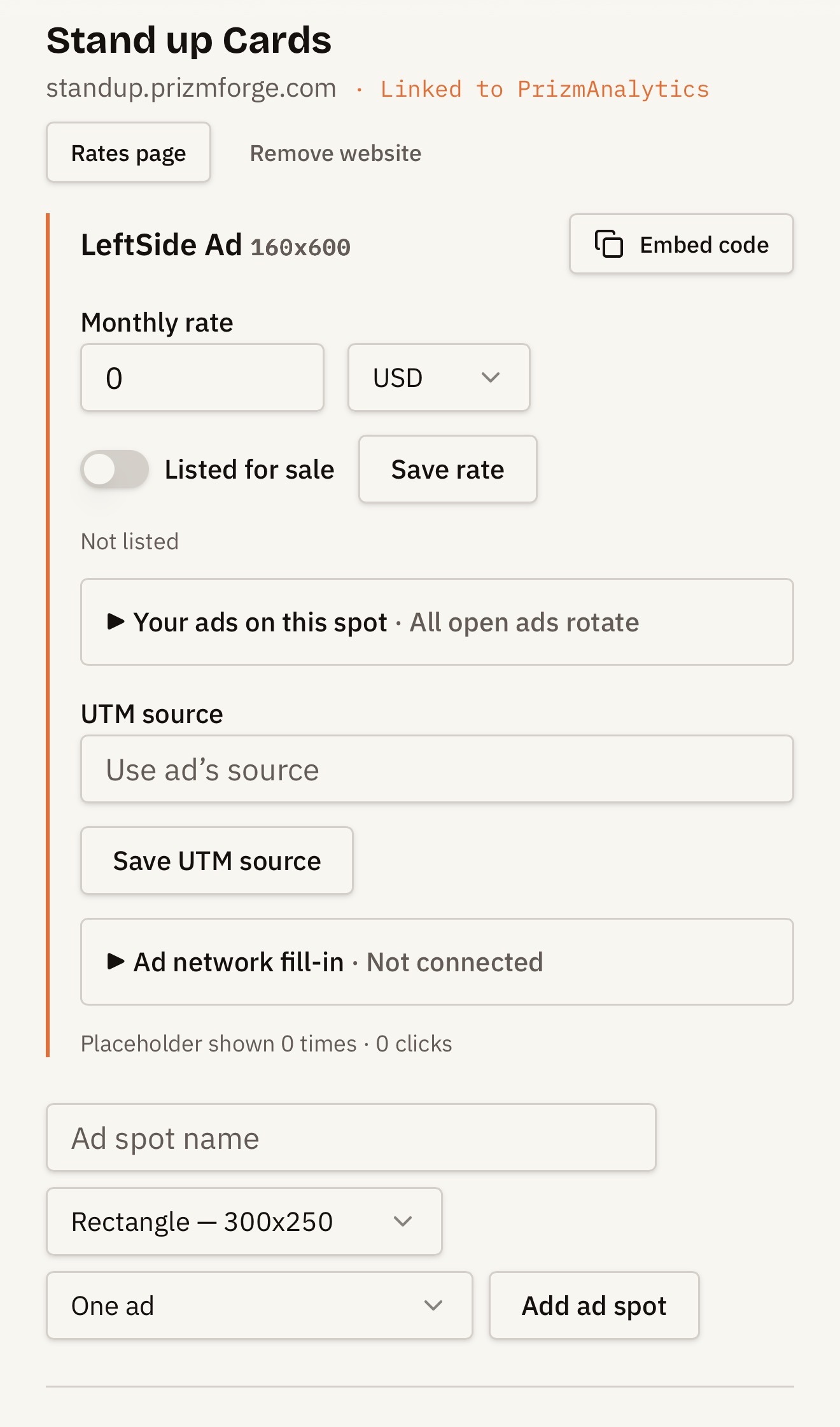
Start by adding a website and creating ad spots in standard formats, such as a 728×90 leaderboard, 300×250 rectangle, 160×600 skyscraper, 320×50 mobile banner, or 300×300 square tile. Set a monthly price and choose when to list each spot.
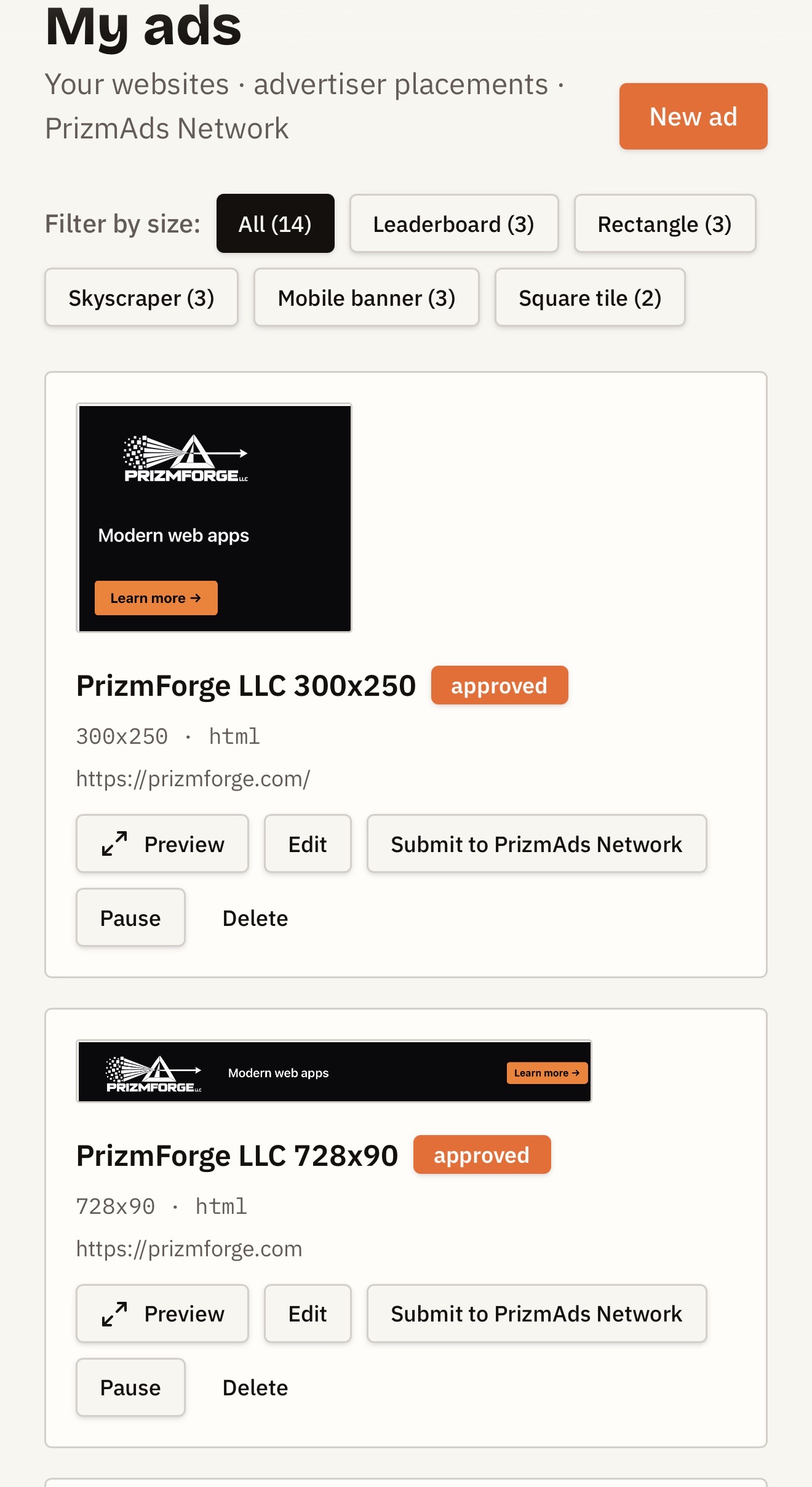
Advertisers can browse available placements and see the site, ad size, and listed rate before requesting a booking. You review each request and decide whether to approve it. That gives you control over which ads appear on your website.
See the publisher plans and pricing →
Add placements to your site
PrizmAds provides an embed snippet for your ad spots. Add it to your website, and the placements can be served there without building an ad-management system from scratch. The publisher page describes the setup as one snippet that can be used across the websites you manage.
If a spot has no active booking, PrizmAds can show a branded “Ad space available” placeholder instead of leaving a blank area. That keeps the page intentional while letting potential advertisers know the spot is open.
You can list inventory across multiple websites, depending on your plan. Start with a clearly visible spot that fits the page and doesn’t interrupt the visitor’s experience.
Create a PrizmAds account and set up a spot →
Track impressions and clicks
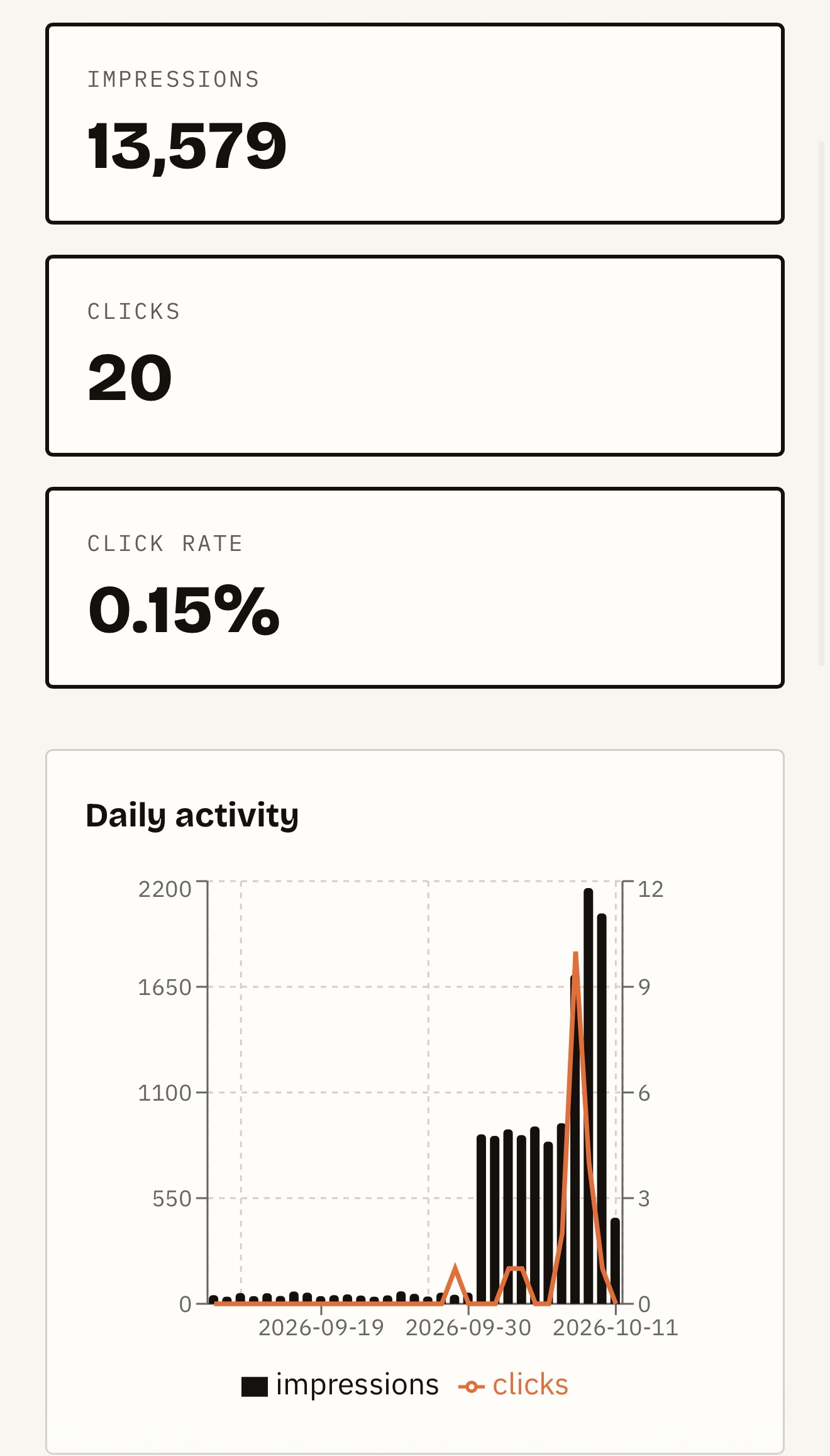
Once a placement is running, reports show impressions and clicks by ad, day, and page, along with click rate. Advertisers can add UTM tags to destination links so campaign visits can be identified in their own analytics.
An impression indicates that an ad was shown; a click indicates that someone followed its link. These are useful delivery signals, but they don’t by themselves prove a campaign generated sales or other business results. Both publisher and advertiser can use the shared reporting to discuss how the placement is performing.
Explore PrizmAds reporting and ad placements →
Use ad swaps to exchange exposure
Paid PrizmAds plans include ad swaps with other publishers. An ad swap lets participating publishers use eligible ad placements to promote one another, exchanging exposure rather than purchasing every placement.
This may work well for publishers with complementary audiences—for example, community sites, local publications, or niche websites whose readers have related interests. An ad swap can create another promotional opportunity, but it does not guarantee traffic, clicks, or revenue. Consider whether the other publisher and audience are a suitable match before participating.
Compare plans that include ad swaps →
Choose a plan that fits your websites
PrizmAds currently lists three plans:
- Free — $0/month: One website and one ad; includes reports, a rates page, and bookings. Ad swaps are not included. PrizmAds may show some of its own network ads on open views—about one in four, according to the current pricing page.
- Starter — $10/month: Up to three websites and one ad of each size. Includes ad swaps and removes PrizmAds network ads from your websites.
- Business Plus — $55/month: Up to 50 websites and unlimited ads, with the Starter features.
Check the PrizmAds pricing page for current plan details. Publishers set their own rates and handle advertiser invoicing directly: you confirm payment outside PrizmAds, then activate the placement. PrizmAds provides the listing, ad-serving, and reporting workflow; it does not collect advertiser payment on your behalf.
A practical way to get started
Choose a website, identify an ad spot that fits its layout, and set a rate you’re comfortable offering. Add the embed snippet, review booking requests, and monitor delivery in your reports. As you learn which placements attract interest, you can adjust your inventory and pricing.
PrizmAds gives website owners a way to organize that process while keeping decisions about rates, approvals, and billing in their hands.